

How to Check Solar Panel With a Multimeter in 3 Simple Steps
To check your solar panel with a multimeter, start by getting your equipment ready. Make sure the multimeter is set to DC voltage since solar panels produce direct current. Also, ensure your panel is clean and placed in direct sunlight for accurate readings.
Next, measure the voltage by connecting the multimeter probes to the panel terminals.
After that, switch your multimeter to the current mode. Connect it in series with the panel to measure the output current properly.
Finally, compare the voltage and current readings to your panel’s rated specifications. This helps you spot any issues or performance drops.
Keep reading to discover handy tips on fixing common solar panel problems and how to get the most accurate multimeter results every time.
Key Takeaways
- Set your multimeter to DC voltage mode and make sure the probes are properly connected to the panel terminals.
- Next, position the solar panel in direct sunlight before you take any measurements.
- Now, measure the open-circuit voltage by placing the probes on the positive and negative terminals without any load connected.
- After that, switch your multimeter to DC current mode. Then, connect the probes in series with the panel to measure the current.
- Finally, compare your readings to the panel’s rated specifications. This will help you spot any performance issues easily.
Get Your Multimeter and Solar Panel Ready
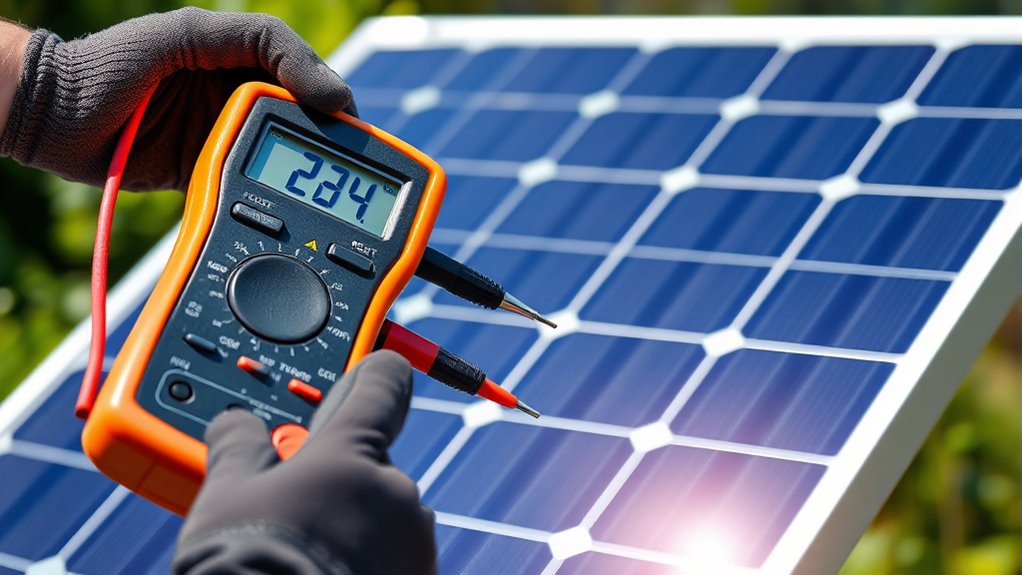
Before you begin testing, make sure you have your multimeter and solar panel properly prepared. First, check that your multimeter’s batteries are charged and that it’s set to the correct mode, usually DC voltage.
Ensure your multimeter is fully charged and set to DC voltage before testing your solar panel.
Inspect the solar panel for any visible damage, dirt, or debris that might affect the reading. Clean the panel surface if necessary. Position the panel in direct sunlight to ensure accurate results.
Next, gather any necessary cables or connectors you’ll use to attach the multimeter probes safely. Confirm the multimeter’s probes are intact and free from damage.
Finally, review your multimeter’s user manual if you’re unsure about settings or connections. Being fully equipped helps you get accurate readings and prevents potential mistakes during your solar panel check.
Measure Voltage and Current on Your Solar Panel

How do you accurately measure the voltage and current of your solar panel using a multimeter? First, set your multimeter to the DC voltage setting. Connect the red probe to the positive terminal and the black probe to the negative terminal of the solar panel.
Read the voltage displayed on the multimeter; this gives you the panel’s open-circuit voltage.
To measure current, switch your multimeter to the DC current (amperage) setting. Connect the multimeter in series with the solar panel’s output—disconnect one wire and attach the probes so current flows through the meter.
Make sure your connections are correct to avoid any damage. The reading now shows the panel’s current output under the given light.
Measuring both voltage and current helps you check your panel’s performance before you move on to interpreting results or troubleshooting.
Understand Your Multimeter Readings and Troubleshoot Issues
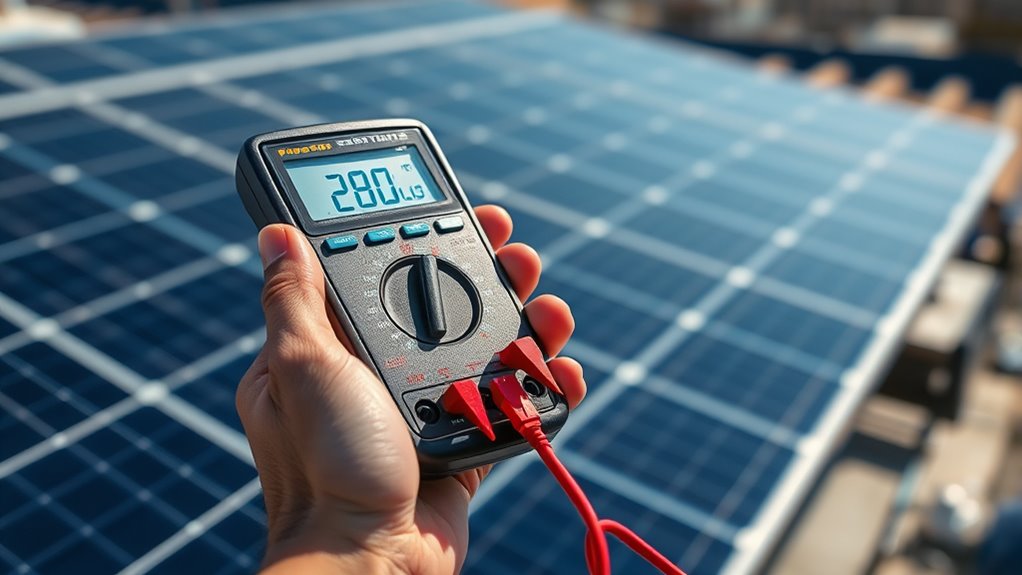
Once you’ve taken your voltage and current measurements, you’ll need to interpret the readings carefully to determine if your solar panel is functioning properly. Compare the voltage reading with the panel’s rated voltage under standard test conditions.
If it’s markedly lower, your panel might be shaded, dirty, or damaged. For current, verify it matches the panel’s specified current output. If it’s too low or zero, check the wiring connections and the multimeter’s settings first.
If you get no reading or erratic values, verify your multimeter’s battery and probe connections. Also, test the multimeter on a known power source to rule out device issues.
Troubleshooting these steps will help you find and fix problems quickly. It’s all about checking the basics first before diving deeper.
Frequently Asked Questions
How Do Solar Panels Work to Generate Electricity?
Solar panels convert sunlight into electricity by exciting electrons in silicon cells. When sunlight hits, it creates an electric field, causing electrons to flow as current.
You can then use this current to power devices or charge batteries. It’s a pretty neat way to harness the sun’s energy!
What Types of Solar Panels Are Available on the Market?
You’ll find monocrystalline, polycrystalline, and thin-film solar panels on the market. Each type offers different efficiencies, costs, and appearances, so you’ll want to choose based on your budget, space, and energy needs.
It’s really about what fits you best. Are you looking to save some money upfront? Or maybe you have limited space and want maximum efficiency? Either way, there’s a panel out there that’s right for you.
How Often Should Solar Panels Be Cleaned or Maintained?
You should clean your solar panels at least twice a year, or more if dust piles up like Mount Everest.
Regular maintenance guarantees maximum efficiency, so don’t let grime steal your solar power’s shine!
Can a Multimeter Damage a Solar Panel if Used Incorrectly?
Yes, you can damage a solar panel if you use a multimeter incorrectly. Always set the multimeter to the right mode and range.
Also, avoid applying voltage or current that exceeds the panel’s specifications. It’s pretty important to handle the multimeter carefully to keep your solar panel safe.
What Are the Benefits of Using Solar Energy at Home?
You’ll save money on electricity bills, reduce your carbon footprint, and increase your home’s energy independence by using solar energy.
Plus, it boosts property value and offers reliable power, even during outages or peak demand times. It’s a smart choice that really pays off in the long run!
Conclusion
Now that you know how to check your solar panel with a multimeter, you can easily verify if it’s working properly. Don’t just trust the theory that a sunny day guarantees maximum output—measuring voltage and current yourself reveals the real performance.
By understanding your readings, you’ll spot issues early and keep your system efficient. So grab your multimeter, test your panels regularly, and take control of your solar power’s health.
Regularly checking your solar panel with a multimeter helps ensure your system delivers the best performance. It’s a simple step that can save you from costly repairs and downtime. Stay proactive, and your solar energy setup will keep powering your home efficiently for years to come.